Shop by shape
Start with the shape of your photo
Five canvas shapes. Each one opens the designer, where you add your photo and pick the size.


How it works
From photo to wall in three steps
1
Add your photo
Pick a canvas, open the designer and upload a picture from your phone or computer. The designer checks the print quality as you upload.
2
Make it yours
Choose the size, depth and edge style, a colour, black and white or sepia finish, and how it hangs. Try a photo layout, and see it on a wall.
3
Order and hang it
Add it to your basket and check out. Your canvas is printed from your design, ready to hang.
Edge styles
Choose how the sides look
The edge is the side of the frame. Pick one of four styles in the designer.
Mirror Wrap
The sides are a mirror image of the outer edge of your photo, so nothing important wraps around the frame.
Image Wrap
Your photo continues around the sides of the frame.
Blur Wrap
The sides are a soft blur of the colours at the edge of your photo.
Solid Colour
The sides are one plain colour that you choose.
Sizes and depths
From a small print to a statement piece
Choose the width and height you want, from 8 in up to 72 in on the longest side. Two frame depths: Classic is 0.75 in deep, Deluxe is 1.5 in deep for a stronger gallery look.
- Up to 72 in
- Classic 0.75 in
- Deluxe 1.5 in
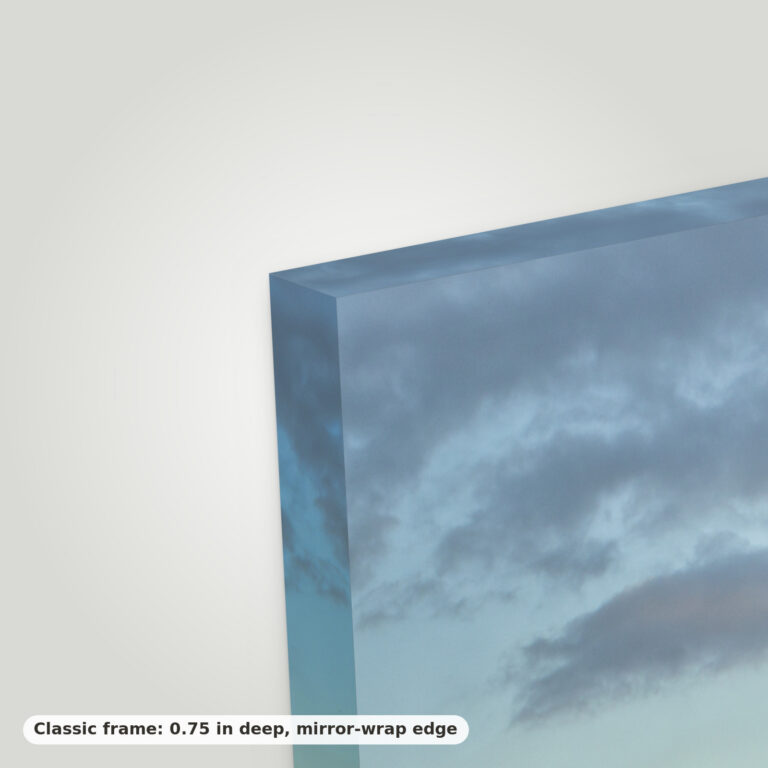
Classic0.75 in deep
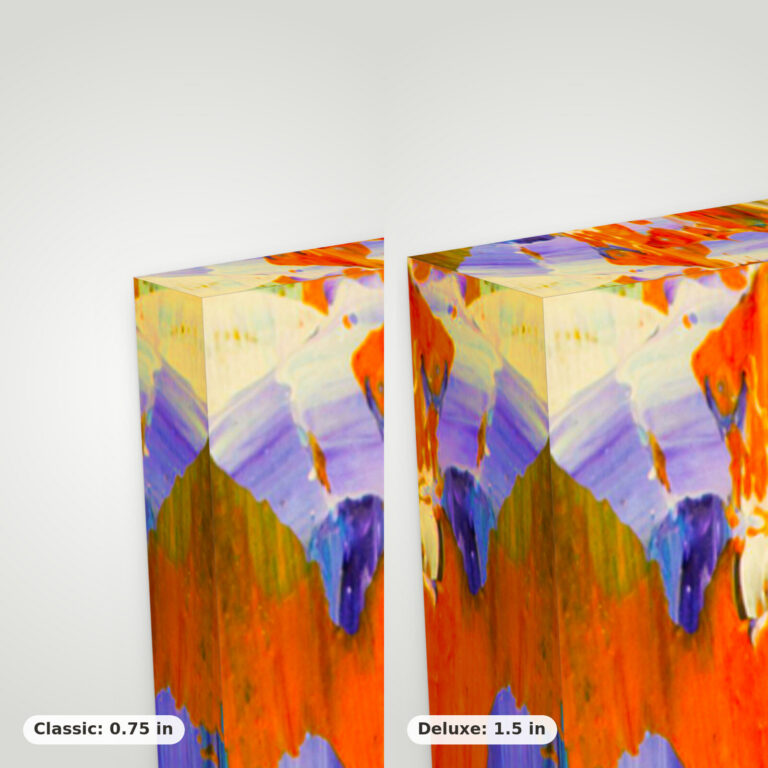
Deluxe1.5 in deep
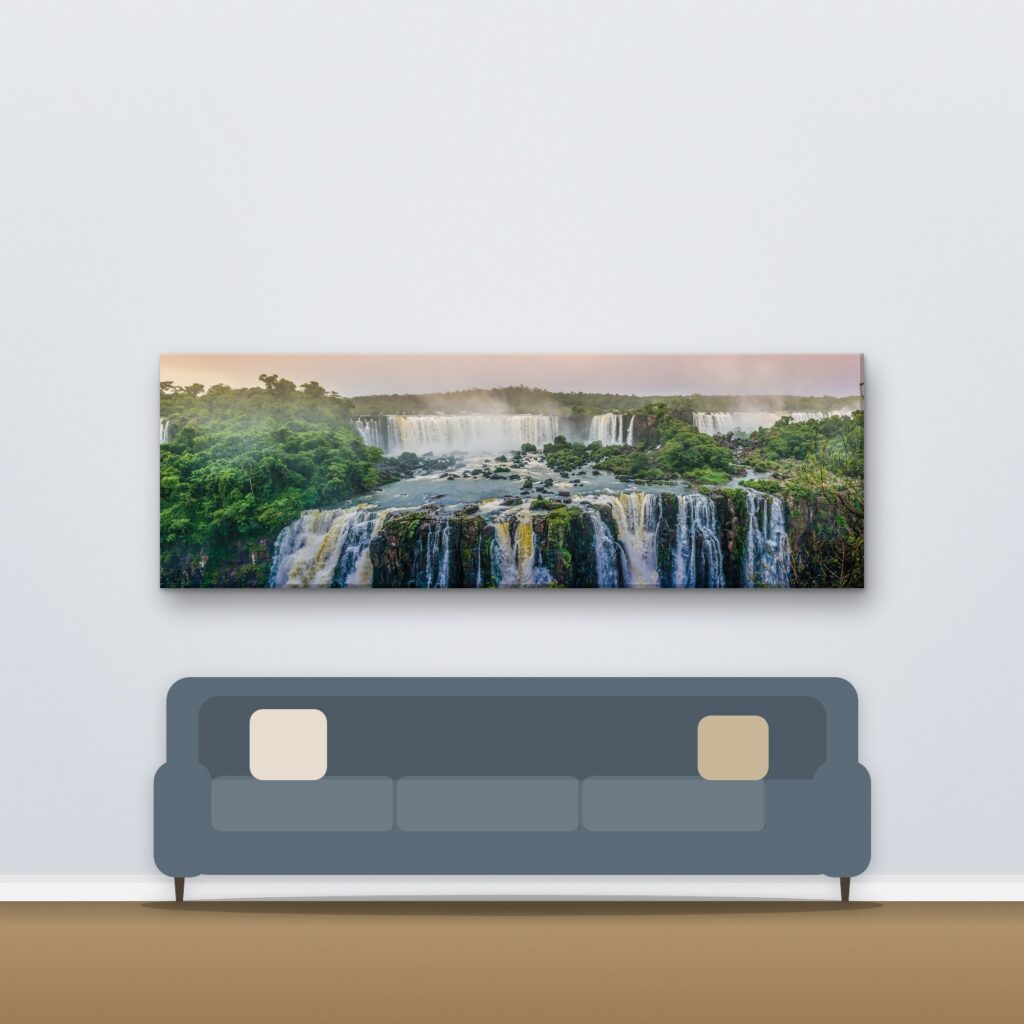
See it on a wall
Check the size before you order
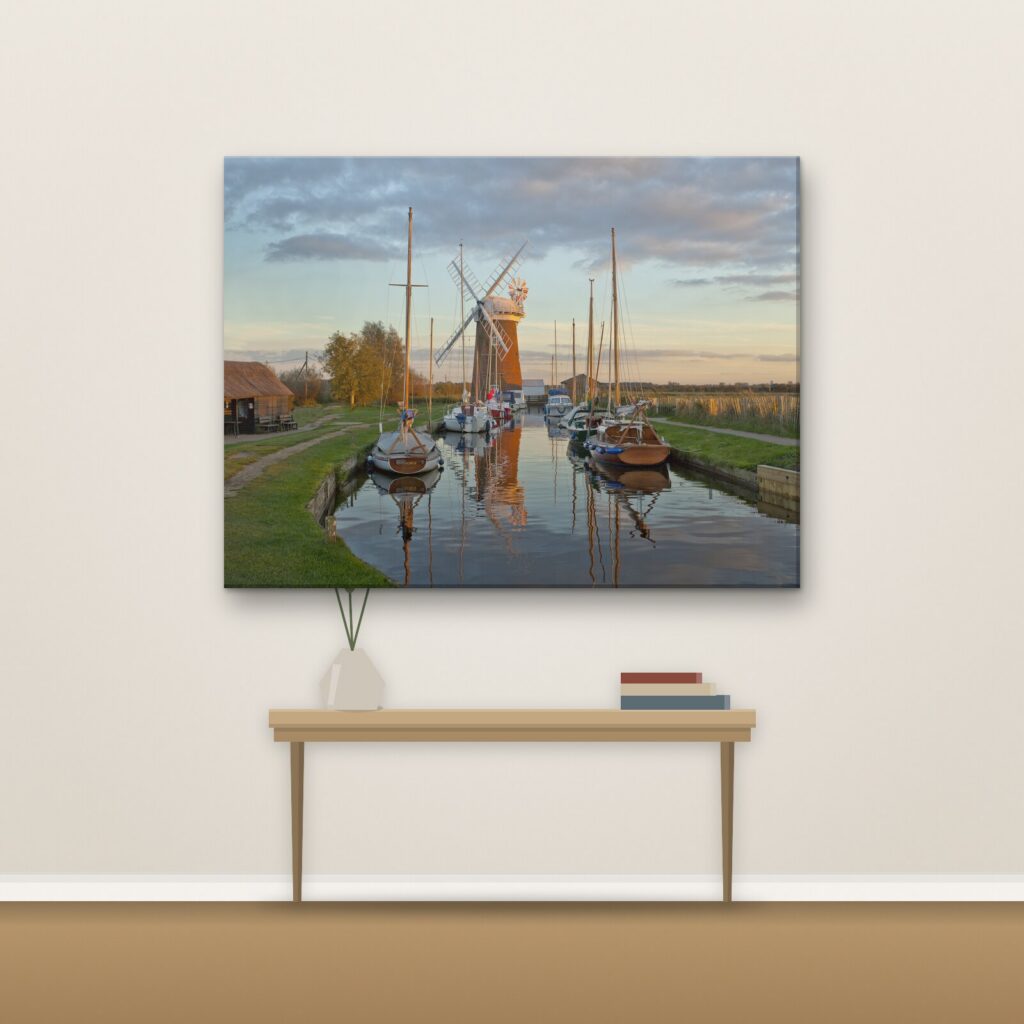
The designer shows your photo on a wall at the size you chose, so you can judge how big it will look above a sofa, a bed or a desk. Change the size and the preview changes with it.
Photo collages
More than one photo on one canvas
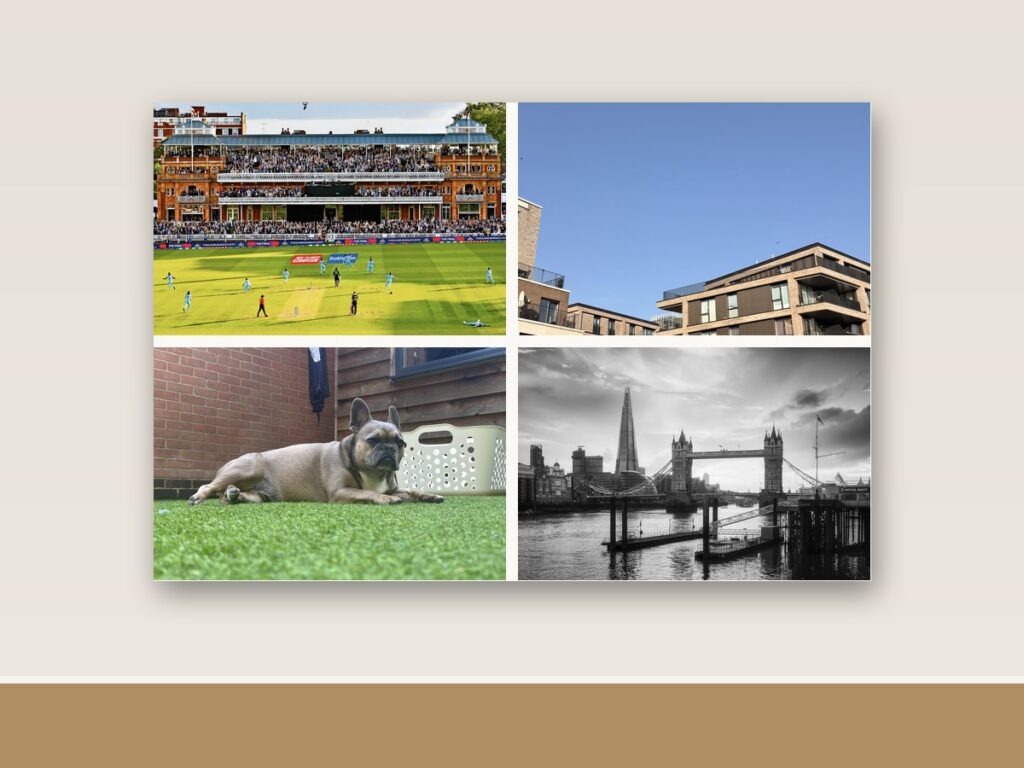
Pick one of 34 photo layouts in the designer: two, three or more pictures arranged on a single canvas. Drop in your photos and the layout does the spacing.
Questions
Good to know
Which photo should I use?
Any photo you like: phone pictures, camera photos or artwork. The designer checks the print quality as you upload, so you see straight away if a photo is too small for the size you chose.
Can I see how it will look before I order?
Yes. The designer has a See it on a wall preview that shows your photo at the size you chose.
What sizes can I choose?
Sizes run from 8 in up to 72 in on the longest side. The size guide lists the lengths you can choose from.
What is the difference between Classic and Deluxe?
The depth of the frame. Classic is 0.75 in deep and Deluxe is 1.5 in deep. See the edge and depth guide for pictures.
What are the edge styles?
Mirror Wrap, Image Wrap, Blur Wrap and Solid Colour. They describe what the sides of the frame look like.
Can I print in black and white or sepia?
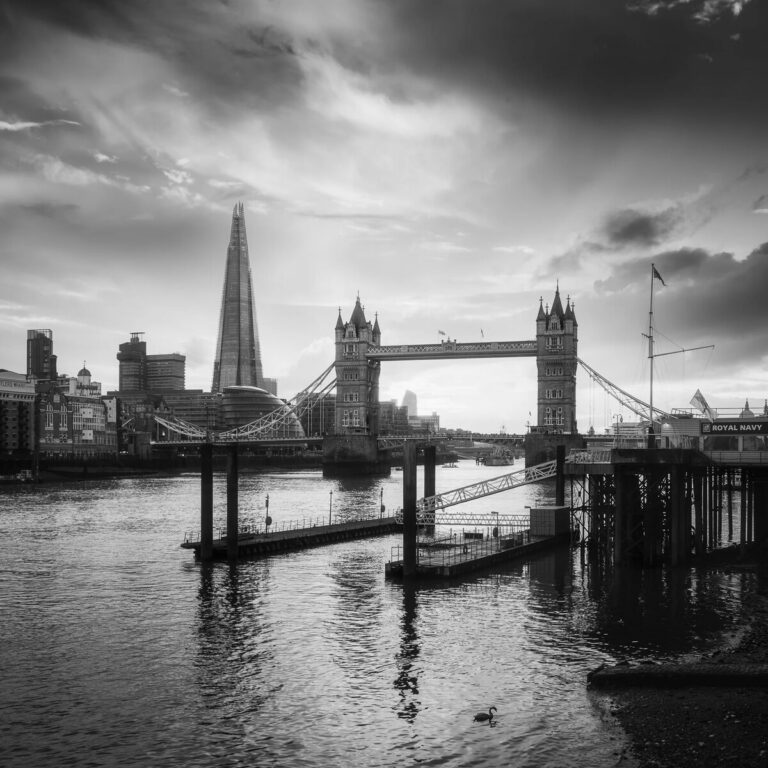
Yes. You can keep your photo in colour or switch it to black and white or sepia in the designer.
Can I put several photos on one canvas?
Yes. Choose one of the 34 photo layouts in the designer to arrange two or more pictures on one canvas.
How will my canvas hang?
You can choose sawtooth hanging or adhesive hanging in the designer. See the hanging and finishing guide.
What about delivery?
Delivery options and costs are shown at checkout.
Ready to print your photo?
Choose a canvas, add your picture and preview it on your wall.